
3D human anatomy atlas
BetaRotate a whole human body, switch between organs and bones, and open any structure to study it close up. Free, in your browser, with every explanation quoted from an open textbook.
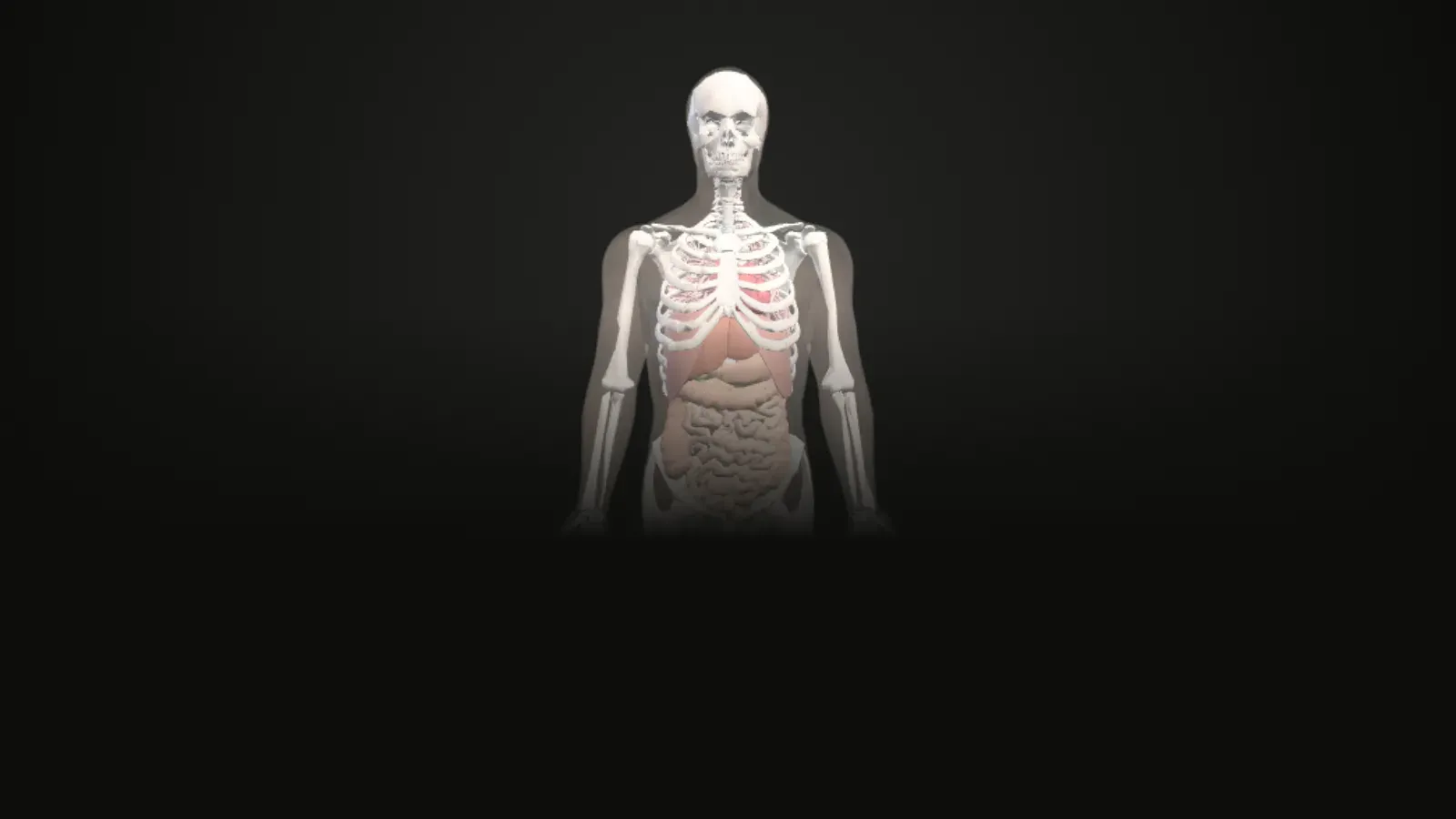
Interactive 3D atlas
Loads about 9 MB of 3D data the first time. Works best on a laptop or a recent phone.
Anatomy Atlas
Layers
Heart
Organ workstationColour parts by
Section cut
Elevation 0°
In the chest
Where everything in this atlas comes from
What you can do
Rotate a whole human body, switch between organs and bones, and open any structure to study it close up. Free, in your browser, with every explanation quoted from an open textbook.
The atlas opens on a whole body. Choose Organs or Bones so that only one kind is clickable at a time, switch between the male and the female body, and open a workstation to study a structure on its own. The reference body has 2,103 named structures.
Open a workstation
Each workstation shows one organ system or one region of the skeleton, with its parts named, a guided tour and quoted textbook passages.
Organs
- HeartBlood flow
- LungsAir and blood
- Liver, gallbladder and pancreasBlood and bile
- Digestive tractPath of food
- Urinary systemPath of urine
- BrainPath of CSF
- Male reproductive systemPath of sperm
- Female reproductive systemPath of the oocyte
Bones
Keep exploring
You moved to another screen of the atlas. Read the study notes for it on its own page: the atlas.
Questions
Is the Anatomy Atlas free?
Yes. It is free, runs in your browser and needs no sign-up or download. It is a beta version, so some things will change.
Does it show a male and a female body?
Yes. Both open as a whole body. The female body is the same reference body with a female pelvic region (hip bones, sacrum, bladder, uterus, uterine tubes and ovaries) taken from the Visible Human Female.
What is the difference between Organs and Bones?
The switch on the body page decides what you can click. In Organs mode the organs are selectable and open organ workstations; in Bones mode the bones are selectable and open one workstation for each region of the skeleton.
What do I need to run it?
A current browser with WebGL, which is almost every recent laptop, tablet and phone. The first launch downloads about 9 MB of 3D data; your browser keeps it for next time.
Where does the information come from?
The 3D shapes come from the BodyParts3D dataset (and, for the female pelvic region, the Human Reference Atlas). Every explanation is a sentence quoted word for word from the open textbook OpenStax Anatomy and Physiology 2e, with a link to its section.
Can I use it to diagnose or treat anything?
No. The atlas is for learning only. It is a beta version and has not yet been reviewed by an anatomy educator.
Credits and disclaimer
For learning only, not for diagnosis or treatment. This is a beta version and it has not yet been reviewed by an anatomy educator.
BodyParts3D, © The Database Center for Life Science licensed under CC Attribution 4.0 International. Text quoted from OpenStax, Anatomy and Physiology 2e, © Rice University, CC BY-NC-SA 4.0. Female pelvic region from the Human Reference Atlas (HuBMAP), CC BY 4.0.
This tool is free, non-commercial and made for education. It has no ads and no paid features.