
Brain anatomy in 3D
BetaRotate the brain, label its gyri, ventricles and brain stem, and follow the path of cerebrospinal fluid through the ventricles in a 7-step tour.
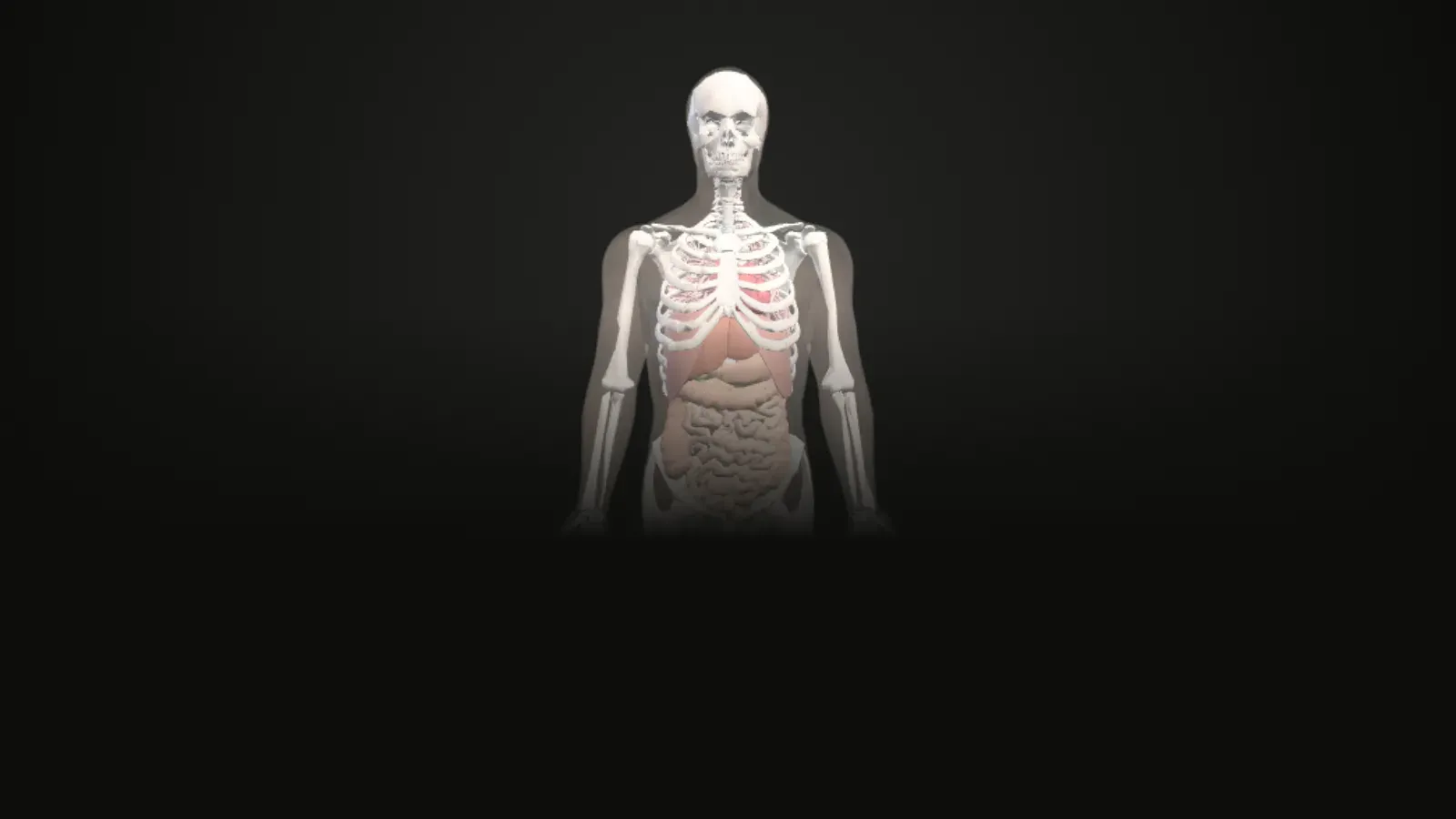
Interactive 3D atlas
Loads about 9 MB of 3D data the first time. Works best on a laptop or a recent phone.
Anatomy Atlas
Layers
Heart
Organ workstationColour parts by
Section cut
Elevation 0°
In the chest
Where everything in this atlas comes from
Study the brain in 3D
Rotate the brain, label its gyri, ventricles and brain stem, and follow the path of cerebrospinal fluid through the ventricles in a 7-step tour.
Turn and zoom
Drag to rotate, scroll or pinch to zoom, and tap any part to see its name and explanation.
Labels and standard views
Switch labels on or off and jump to front, back, side, top and bottom views, with an orientation cube.
Section cuts
Cut through the structure in transverse, coronal or sagittal planes and slide the cut through it.
Explode and see-through
Pull the parts apart, or make the outer layers faint to see what is inside.
Guided tour
Follow the "Path of CSF" tour one step at a time, or press Play and let the camera fly to each part.
Parts in this model
239 named parts, each with the FMA identifier the dataset gives it. Tap a group in the app to show or hide it.
- Hippocampus and amygdala4
- Basal nuclei6
- Ventricles and CSF spaces9
- Cerebellum2
- Brain stem12
- Diencephalon12
- Cerebral cortex: gyri and lobes36
- White matter, tracts and commissures16
- Internal carotid and vertebral artery branches132
- Pituitary gland (context)1
- Other named brain structures9
Guided tour: Path of CSF (7 steps)
Each step highlights the parts it talks about. The sentence is quoted word for word from OpenStax Anatomy and Physiology 2e.
1. Lateral ventricles
The first two are named the lateral ventricles and are deep within the cerebrum.
OpenStax, 13.3 The Ventricles2. Choroid plexus
In some of these spaces, CSF is produced by filtering of the blood that is performed by a specialized membrane known as a choroid plexus.
OpenStax, 13.3 The Ventricular System3. Interventricular foramina
These ventricles are connected to the third ventricle by two openings called the interventricular foramina.
OpenStax, 13.3 The Ventricles4. Third ventricle
The third ventricle is the space between the left and right sides of the diencephalon, which opens into the cerebral aqueduct that passes through the midbrain.
OpenStax, 13.3 The Ventricles5. Cerebral aqueduct
The cerebral aqueduct opens just inferior to the epithalamus and passes through the midbrain.
OpenStax, 13.3 The Ventricles6. Fourth ventricle
The aqueduct opens up into the fourth ventricle.
OpenStax, 13.3 The Ventricles7. Central canal
The fourth ventricle then narrows into the central canal of the spinal cord.
OpenStax, 13.3 The Ventricles
What this model does not show
The meninges and the spinal cord (apart from its central canal) are not in the workstation. Of the blood vessels, only the branches of the internal carotid and vertebral arteries are shown. The textbook does not name 50 of the 107 brain meshes, which are mostly individual gyri and tracts.
Where the data or the textbook has a gap, the atlas says so instead of filling it in.
Keep exploring
You moved to another screen of the atlas. Read the study notes for it on its own page: the atlas.
Questions
What can I see in the brain model?
The model has 239 named parts in 11 groups: Hippocampus and amygdala, Basal nuclei, Ventricles and CSF spaces, Cerebellum, Brain stem, Diencephalon, Cerebral cortex: gyri and lobes, White matter, tracts and commissures and 3 more groups.
What is the "Path of CSF" tour?
It is a guided tour of 7 steps. Each step highlights the parts it describes and shows a sentence quoted from OpenStax Anatomy and Physiology 2e. Press Play to let the camera fly to each step for you.
What is missing from the brain model?
The meninges and the spinal cord (apart from its central canal) are not in the workstation. Of the blood vessels, only the branches of the internal carotid and vertebral arteries are shown. The textbook does not name 50 of the 107 brain meshes, which are mostly individual gyri and tracts.
Where does the information come from?
The 3D shapes come from the BodyParts3D dataset (and, for the female pelvic region, the Human Reference Atlas). Every explanation is a sentence quoted word for word from the open textbook OpenStax Anatomy and Physiology 2e, with a link to its section.
Can I use it to diagnose or treat anything?
No. The atlas is for learning only. It is a beta version and has not yet been reviewed by an anatomy educator.
Credits and disclaimer
For learning only, not for diagnosis or treatment. This is a beta version and it has not yet been reviewed by an anatomy educator.
BodyParts3D, © The Database Center for Life Science licensed under CC Attribution 4.0 International. Text quoted from OpenStax, Anatomy and Physiology 2e, © Rice University, CC BY-NC-SA 4.0. Female pelvic region from the Human Reference Atlas (HuBMAP), CC BY 4.0.
This tool is free, non-commercial and made for education. It has no ads and no paid features.