
Pelvis anatomy in 3D
BetaExplore the two hip bones and the sacrum, shown together as in the textbook section on the pelvic girdle and pelvis.
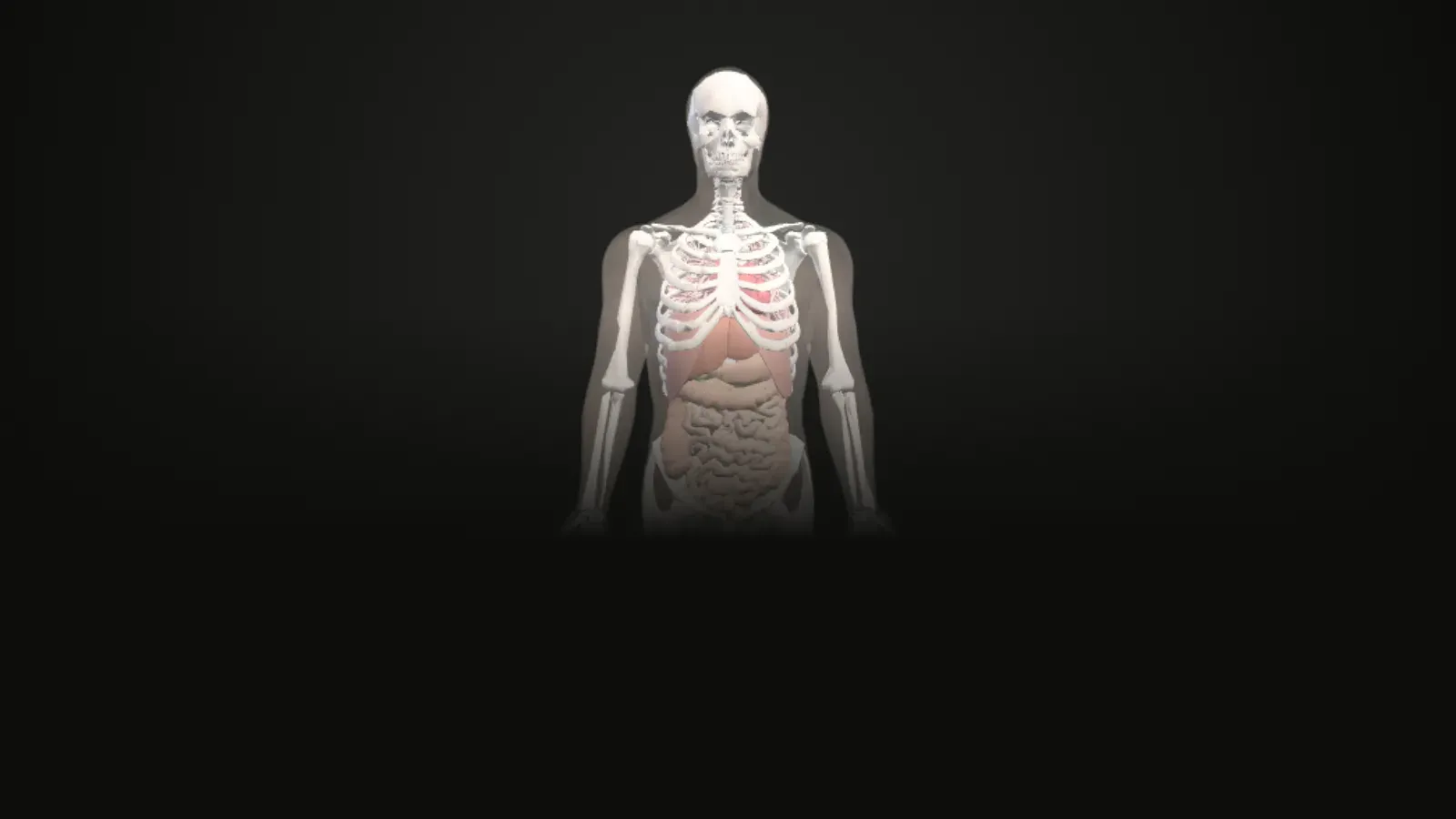
Interactive 3D atlas
Loads about 9 MB of 3D data the first time. Works best on a laptop or a recent phone.
Anatomy Atlas
Layers
Heart
Organ workstationColour parts by
Section cut
Elevation 0°
In the chest
Where everything in this atlas comes from
Study the pelvis in 3D
Explore the two hip bones and the sacrum, shown together as in the textbook section on the pelvic girdle and pelvis.
Turn and zoom
Drag to rotate, scroll or pinch to zoom, and tap any part to see its name and explanation.
Labels and standard views
Switch labels on or off and jump to front, back, side, top and bottom views, with an orientation cube.
Section cuts
Cut through the structure in transverse, coronal or sagittal planes and slide the cut through it.
Explode and see-through
Pull the parts apart, or make the outer layers faint to see what is inside.
Guided tour
Follow the "Bone by bone" tour one step at a time, or press Play and let the camera fly to each part.
Parts in this model
3 named parts, each with the FMA identifier the dataset gives it. Tap a group in the app to show or hide it.
- Hip Bone2
- Sacrum1
Guided tour: Bone by bone (2 steps)
Each step highlights the parts it talks about. The sentence is quoted word for word from OpenStax Anatomy and Physiology 2e.
1. Hip Bone
The hip bone, or coxal bone, forms the pelvic girdle portion of the pelvis.
OpenStax, 8.3 Hip Bone2. Sacrum
It is formed by the fusion of five sacral vertebrae, a process that does not begin until after the age of 20.
OpenStax, 7.3 Sacrum and Coccyx
What this model does not show
This workstation is for the male body. The female pelvis has its own workstation, built from different source models.
Where the data or the textbook has a gap, the atlas says so instead of filling it in.
Keep exploring
You moved to another screen of the atlas. Read the study notes for it on its own page: the atlas.
Questions
What can I see in the pelvis model?
The model has 3 named parts in 2 groups: Hip Bone, Sacrum.
What is the "Bone by bone" tour?
It is a guided tour of 2 steps. Each step highlights the parts it describes and shows a sentence quoted from OpenStax Anatomy and Physiology 2e. Press Play to let the camera fly to each step for you.
What is missing from the pelvis model?
This workstation is for the male body. The female pelvis has its own workstation, built from different source models.
Where does the information come from?
The 3D shapes come from the BodyParts3D dataset (and, for the female pelvic region, the Human Reference Atlas). Every explanation is a sentence quoted word for word from the open textbook OpenStax Anatomy and Physiology 2e, with a link to its section.
Can I use it to diagnose or treat anything?
No. The atlas is for learning only. It is a beta version and has not yet been reviewed by an anatomy educator.
Credits and disclaimer
For learning only, not for diagnosis or treatment. This is a beta version and it has not yet been reviewed by an anatomy educator.
BodyParts3D, © The Database Center for Life Science licensed under CC Attribution 4.0 International. Text quoted from OpenStax, Anatomy and Physiology 2e, © Rice University, CC BY-NC-SA 4.0. Female pelvic region from the Human Reference Atlas (HuBMAP), CC BY 4.0.
This tool is free, non-commercial and made for education. It has no ads and no paid features.